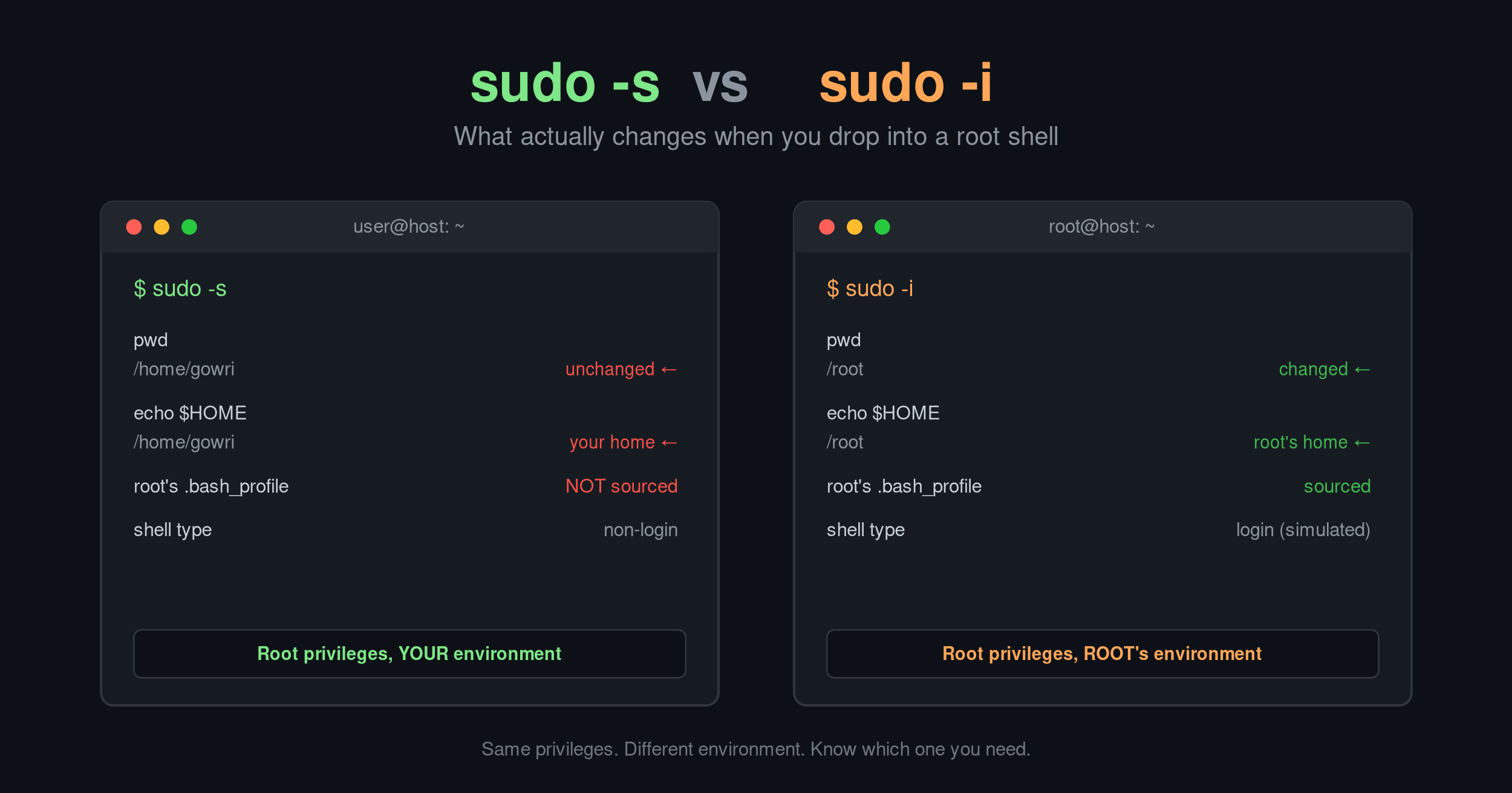
Both commands drop you into a root shell, but they set up that shell very differently.
sudo -s starts a shell as root, but keeps most of your original environment. It doesn’t change your working directory, doesn’t read root’s login files (.bash_profile, .profile), and often leaves $HOME pointing at your own home directory rather than /root.
sudo -s
pwd        # unchanged
echo $HOME # often still /home/youruser
sudo -i simulates a full login as root. It sets HOME, USER, LOGNAME, and PATH to root’s values, drops you into /root, and sources root’s login files as a proper login shell.
sudo -i
pwd        # /root
echo $HOME # /root
Rule of thumb: think of sudo -s like su, and sudo -i like su -.
Usesudo -iwhen you want a clean, authentic root environment for installing packages, editing system configs, running scripts that expect$HOMEto be/root.
Usesudo -swhen you want root privileges without disturbing your current directory or environment. And whenever possible, skip the interactive shell entirely and just runsudo <command>— it's easier to audit and limits the blast radius of mistakes.
Neither command changes what you’re authorized to do; that’s controlled by /etc/sudoers. The difference is purely about environment setup, not security level.